Playground interface
The playground shell wraps Frappe in an iframe and keeps management controls outside the Frappe application.
Loading screen
Cold and restored boots report five stages:
- Booting Worker
- Loading Runtime
- Loading Frappe
- Loading Database
- Starting Frappe
The Info dialog’s Insights tab shows elapsed time for completed stages. If boot fails, the loading screen presents the error and a retry button that reloads the top-level page.
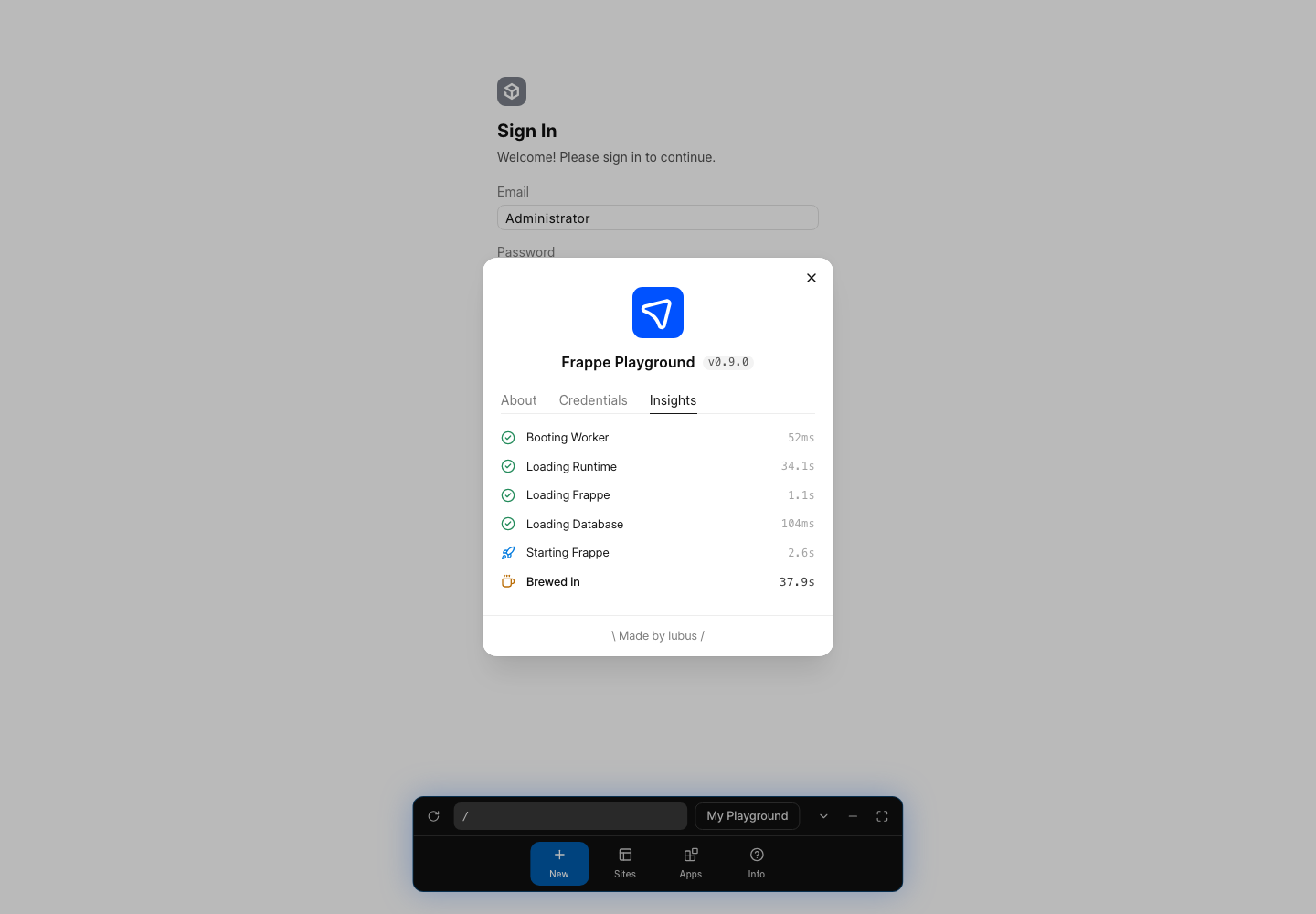
Open Info, then Insights, to separate runtime loading time from Frappe and database startup time.
Dock
The dock is the playground shell’s primary control surface. It appears only after the backend reports ready and remains outside the embedded Frappe page, so its controls keep working as Frappe changes routes.

The desktop dock has a navigation row and an action row. Read the controls from left to right.
Navigation row
| Control | Behavior |
|---|---|
| Reload | Reloads only the scoped Frappe iframe at the displayed path. It does not restart Pyodide or recreate the active site. |
| Current path | Shows the iframe’s normalized Frappe route, such as / or /app/todo. It is read-only; navigate inside Frappe or use a path boot flag. |
| Instance name | Identifies which browser-local site receives requests and mutations. It is hidden on narrow screens to leave room for the path. |
| Expand/collapse actions | Shows or hides the New, Sites, Apps, and Info row without affecting the running site. |
| Minimize | Hides the dock and replaces it with a floating restore control in the lower-right corner. |
| Full width | Stretches the dock across the bottom edge on desktop. Select it again to return to the centered panel. Mobile is always full width and omits this control. |
The route and instance name are status displays, not text fields. In particular, changing routes inside Frappe does not change the top-level browser URL; the shell observes the iframe and updates the route display approximately every 500 ms.
Action row
| Action | What opens | Important behavior |
|---|---|---|
| New | New playground form | Creates and selects a fresh isolated site. This is the primary action and does not clone the active site. |
| Sites | Playground manager | Switch, rename, reset, or delete browser-local sites. Switching disposes the current worker before starting the selected instance. |
| Apps | Optional-app catalog | Install or uninstall only catalog apps for the active site. After a successful mutation, the Frappe view returns to the site root; the Python worker and outer playground page stay running. |
| Info | About dialog | View documentation links, copy demo credentials, and inspect timings for the completed boot. |
The action buttons are disabled until the runtime is ready. Dialogs appear above both Frappe and the dock; close a dialog to return to the same Frappe route.
Compact and minimized states
Use the chevron when you need the route and instance controls but want to reclaim vertical space:

Use the minus control to hide the panel completely. Select the floating Playground mark to restore it:

During route synchronization, the shell removes internal scope and bounce parameters from the displayed value, mirrors Frappe dark mode onto the parent page, pre-fills the login form when present, and applies a Safari password-font compatibility style.
Names entered through the create/rename UI are trimmed, required, and limited to 80 characters. Names are labels only and need not be unique.
Address and navigation model
The shell displays ordinary routes such as /app/todo, while the iframe actually loads /scope:<instance-id>/app/todo. Frappe navigation, redirects, fetches, XHR, and selected new-tab links are rewritten to preserve that internal scope.
The address field is observational in the current UI: users navigate through Frappe itself or a path boot flag. The reload button reuses the normalized path and forces iframe navigation without restarting Pyodide.
Mobile behavior
Below 1024 CSS pixels, the dock is full-width at the bottom, omits the desktop full-width toggle, and uses safe-area bottom padding. The application shell uses dynamic viewport height where supported so browser chrome does not hide controls.
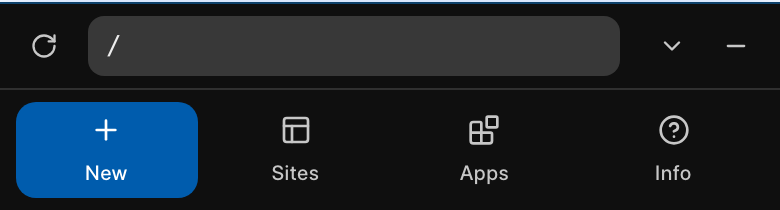
On mobile, the current instance name is omitted and the four actions divide the available width evenly. The route remains visible and read-only.